Product news1 min read
Televora Player now on Google Play and the Amazon Appstore
Connecting screens in your studio or practice is now even faster: the player is available for Android and Fire TV straight from the app store.
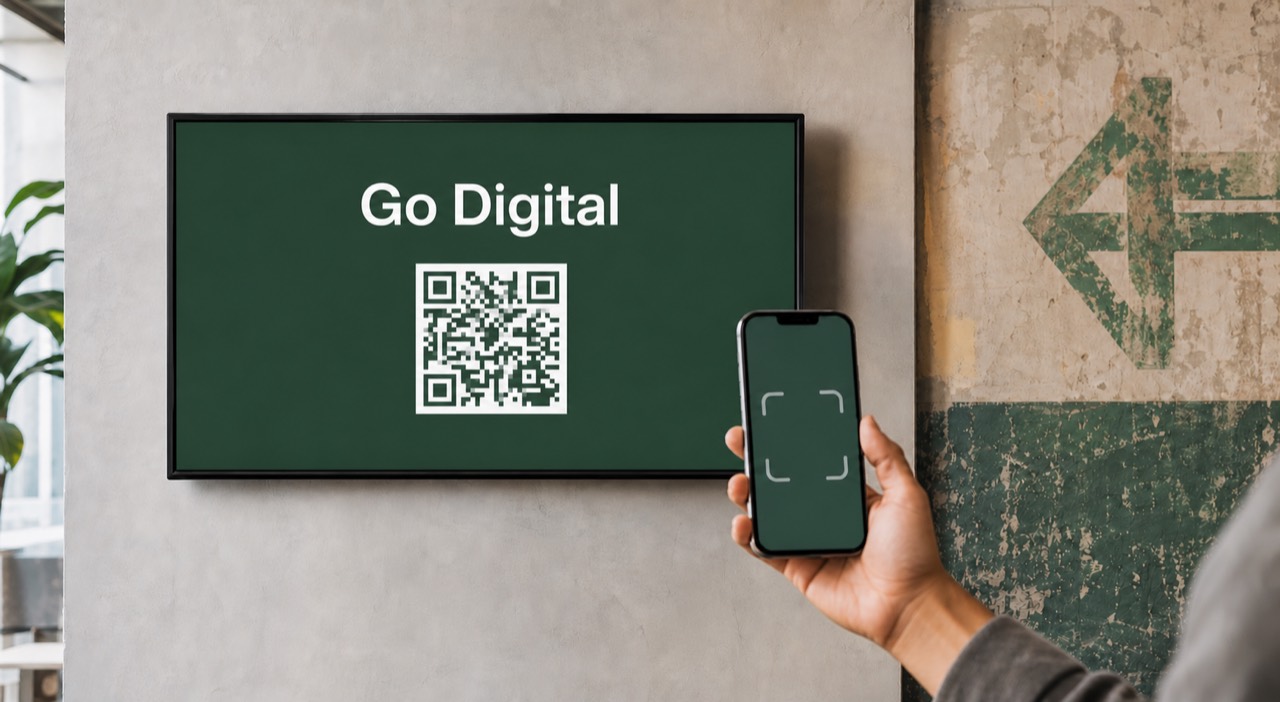
The Televora Player is production-ready and can be installed directly from Google Play or the Amazon Appstore. A compatible Android device or a Fire TV stick is all you need to turn an existing display into a managed digital signage screen.
From box to live screen in a few steps
- Install the Televora Player on the Android or Fire TV device.
- Open the app; the screen shows a pairing code.
- Pair the screen in your Televora workspace via QR code or code and assign a location.
- Assign a playlist or schedule and playback starts automatically.
Reliable even when the connection drops
The player caches approved content locally. If the internet connection fails, the last approved playback keeps running, and changes are picked up automatically once the connection returns.
Central control, also on mobile
Online status, location assignment and instant refresh are available in the Televora dashboard and on mobile, so studio and practice teams keep every screen in view across one or many locations.
Televora for your studio or practice?
Try it free for the first month or book a personal demo.
More posts
Technology1 min read
APIs and WebSockets: how Televora integrates with external systemsDigital Signage4 min read
School Digital Signage Schedules: Update Daily Timetables and Urgent Notices