The screen network, reimagined
Bring your content to every screen.
So simple, anyone can do it.
Cloud-based. Privacy-focused. Mobile control. No IT effort.
Create, schedule and update screen content centrally.
Why Televora
What Televora solves differently
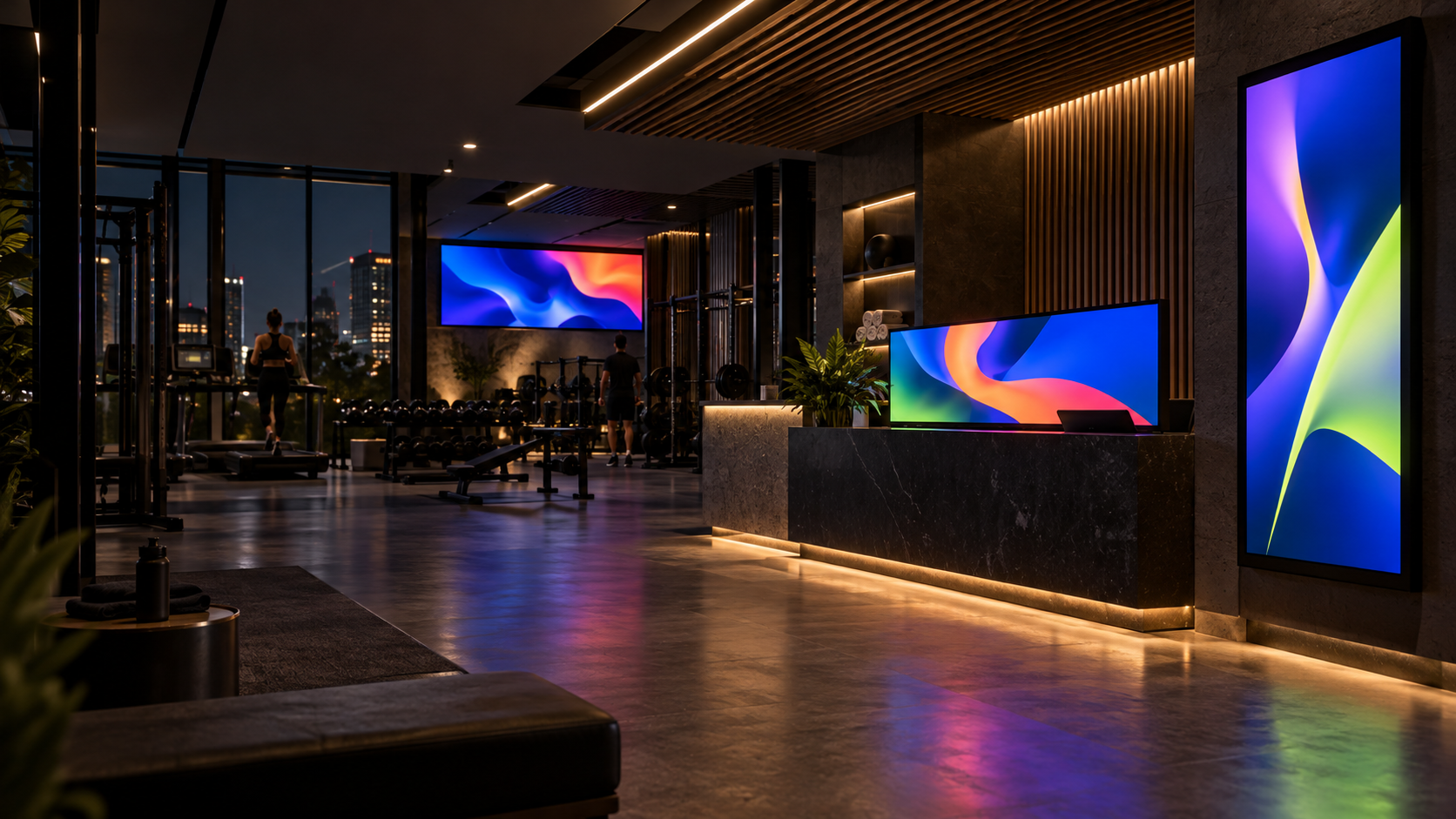
Content, live data and screen operations work together in one system for gyms, Pilates studios and physiotherapy practices.
AI under your control
Create content with tenant-owned AI access or local Ollama for privacy-sensitive environments.
Live data, not manual edits
Update prices, menus and campaigns from CSV, Excel or APIs without rebuilding every layout.
Playback through outages
Local caching and fallback logic keep approved content on screen when connectivity drops.
Built for multiple locations
Separate areas for brands, studios, practices and locations, with central standards and local permissions.
Operations from your phone
Pair screens by QR code, check status, update content and trigger refreshes while on the move.
Privacy by design
Clear roles, isolated workspaces and transparent optional providers protect sensitive operations.
Televora Player for Android
Now on Google Play and Amazon Appstore
Install Televora Player from Google Play or Amazon Appstore on a compatible Android or Fire TV device and connect your display to your Televora workspace in just a few steps.
Manager access available on request
Televora Player is production-ready and can be installed directly from Google Play or Amazon Appstore. To create, schedule and manage content for your screens, you also need a Televora Manager account. We currently set up Manager access on request through the contact form or by email.
How to use the Player
1. Install the Player
Open Google Play or Amazon Appstore on your compatible device and install the production-ready Televora Player.
2. Request Manager access
Contact us so we can create your Televora Manager access for managing content and screens.
3. Connect your screen
Launch the app and use its pairing code to connect the display to your Televora workspace.
Use cases
Built for studios and physiotherapy practices
Televora brings class schedules, offers, training content and patient information reliably to every screen.
Physiotherapy practices
Present exercises, patient information, additional services and appointments professionally in waiting and training areas.
Gyms
Keep class schedules, offers, trainer content and member updates current across every screen from one place.
Pilates studios
Present timetables, Reformer introductions, instructor profiles and membership offers with a calm, premium look.
Ready for better screens in your studio or practice?
Try Televora for your gym, Pilates studio or physiotherapy practice free for the first month with no payment method required.