
Live class schedules
Update class times, room changes and substitutions without replacing printed notices.
First month free: up to 5 screens, 20 assets and 200 MB storage.
Televora for gyms & Pilates studios
Create live class schedules, instructor content, offers and member updates centrally for every gym screen, Pilates or Reformer studio.
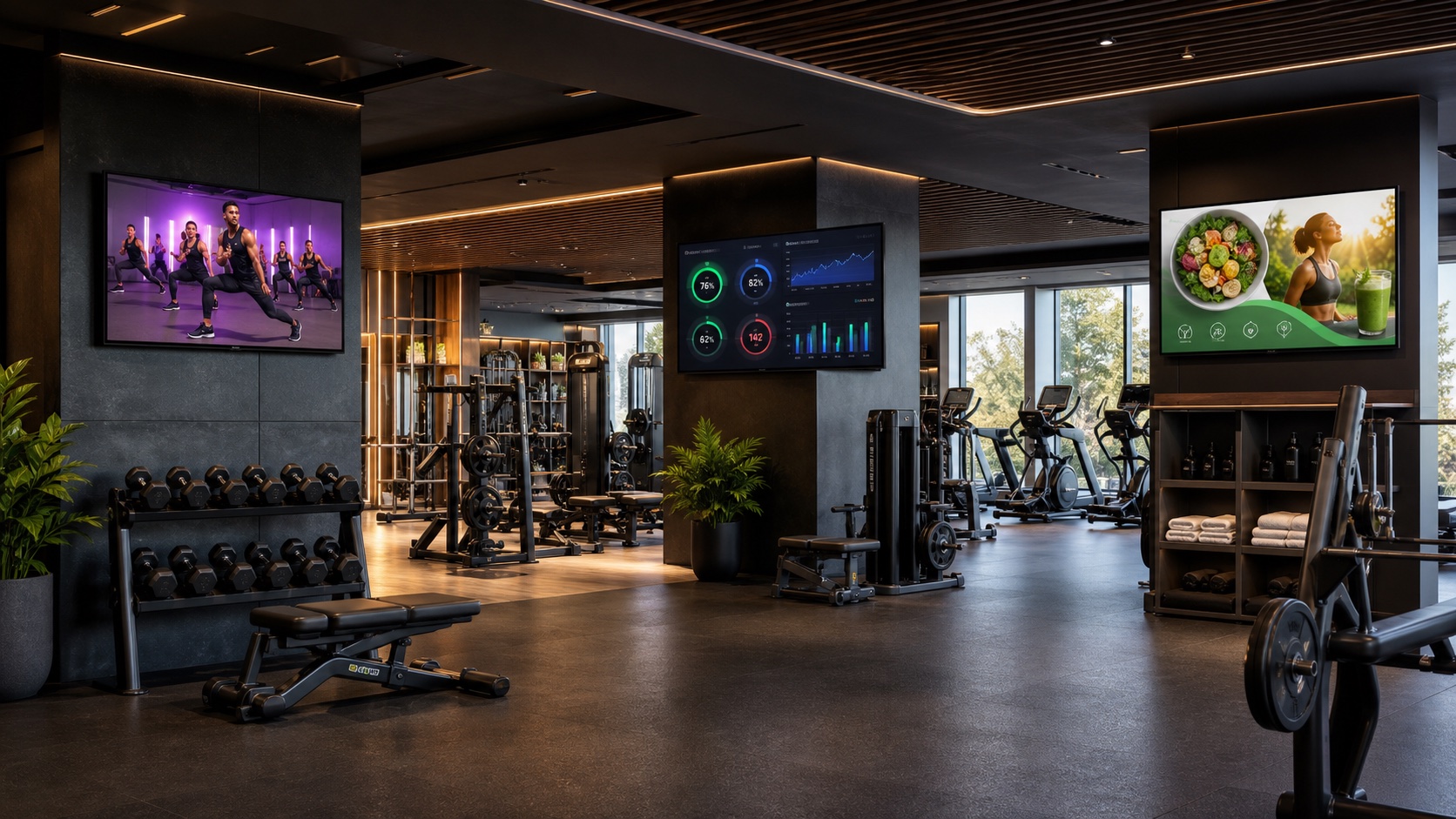
For gyms, Pilates & Reformer
Televora connects daily gym operations with professional screen communication that is always easy to update.
Update class times, room changes and substitutions without replacing printed notices.
Put trials, memberships and add-on services in front of members where they will see them.
Present your team, specialisms and personal-training offers consistently and personally.
Show exercises, challenges, performance data and recovery tips in the right gym zone.
Give reception, cardio, free weights and class rooms their own playlists and schedules.
Schedule morning classes, peak-hour messages and weekend offers by time and day.
New: screen control through AI chat
Connect Televora to your AI chat and turn everyday screen work into clear instructions—without a long trail of clicks.
For example: “Show today’s class schedule at reception and the new personal-training spot in free weights.”
Televora matches content, zones and timing, then prepares the update for your gym.
You stay in control: changes can be reviewed and approved before they go live.
For one area, one location or your whole gym group—with the access rules you set.
MCP for ChatGPT & Claude
MCP securely connects Televora with ChatGPT or Claude. Each person signs in with their own Televora account—without shared API keys.
Then simply ask in chat:
“From 5 pm today, show the class schedule at reception and our trial-membership offer on the cardio screens.”
Your gym owner enables MCP once. You decide who can view, prepare or publish changes—approvals stay with you.
From setup to live operation
Connect screens, create content and publish across locations without switching tools.
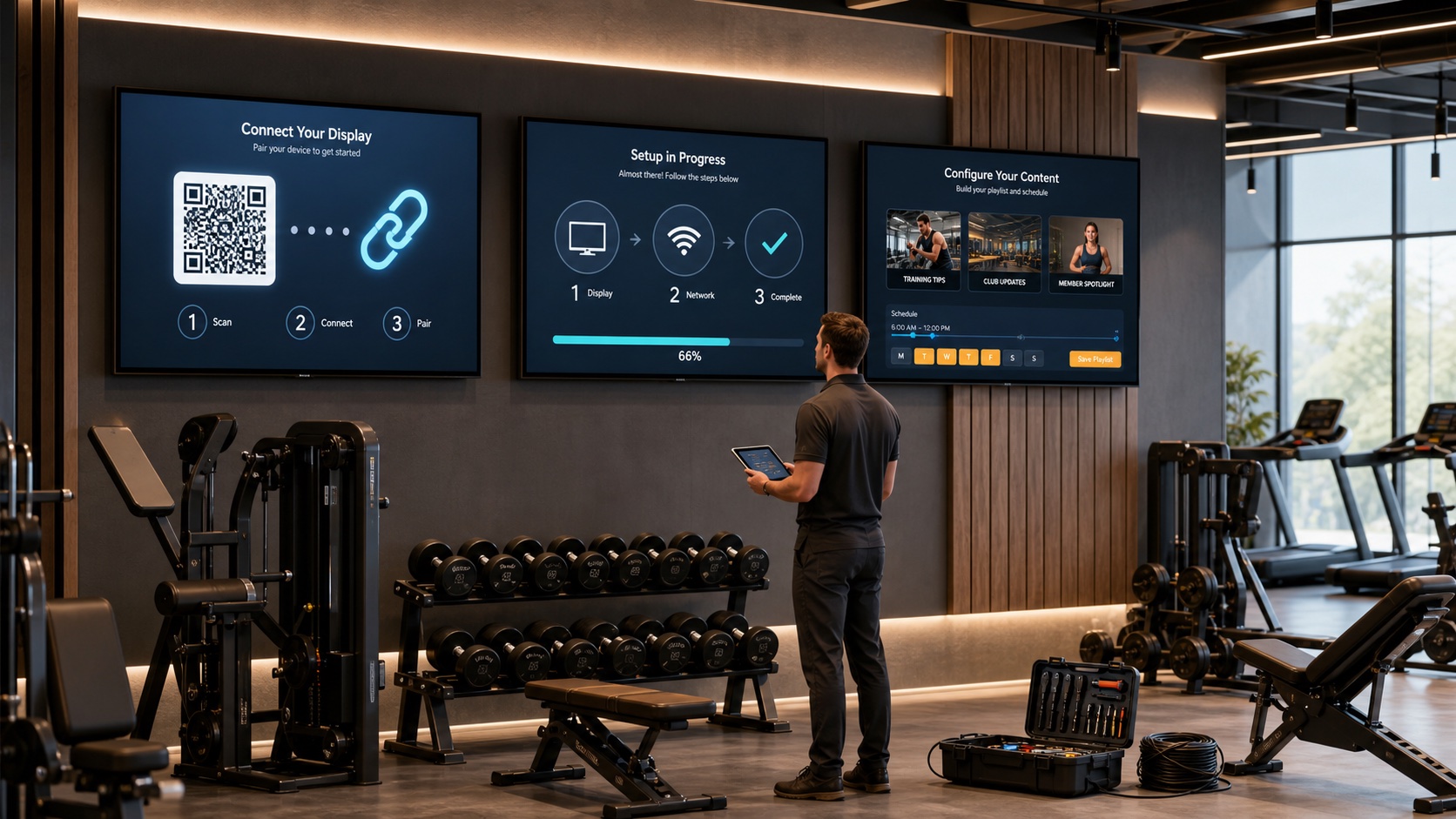
Pair displays with a QR code, assign each one to a zone and verify it in the dashboard.
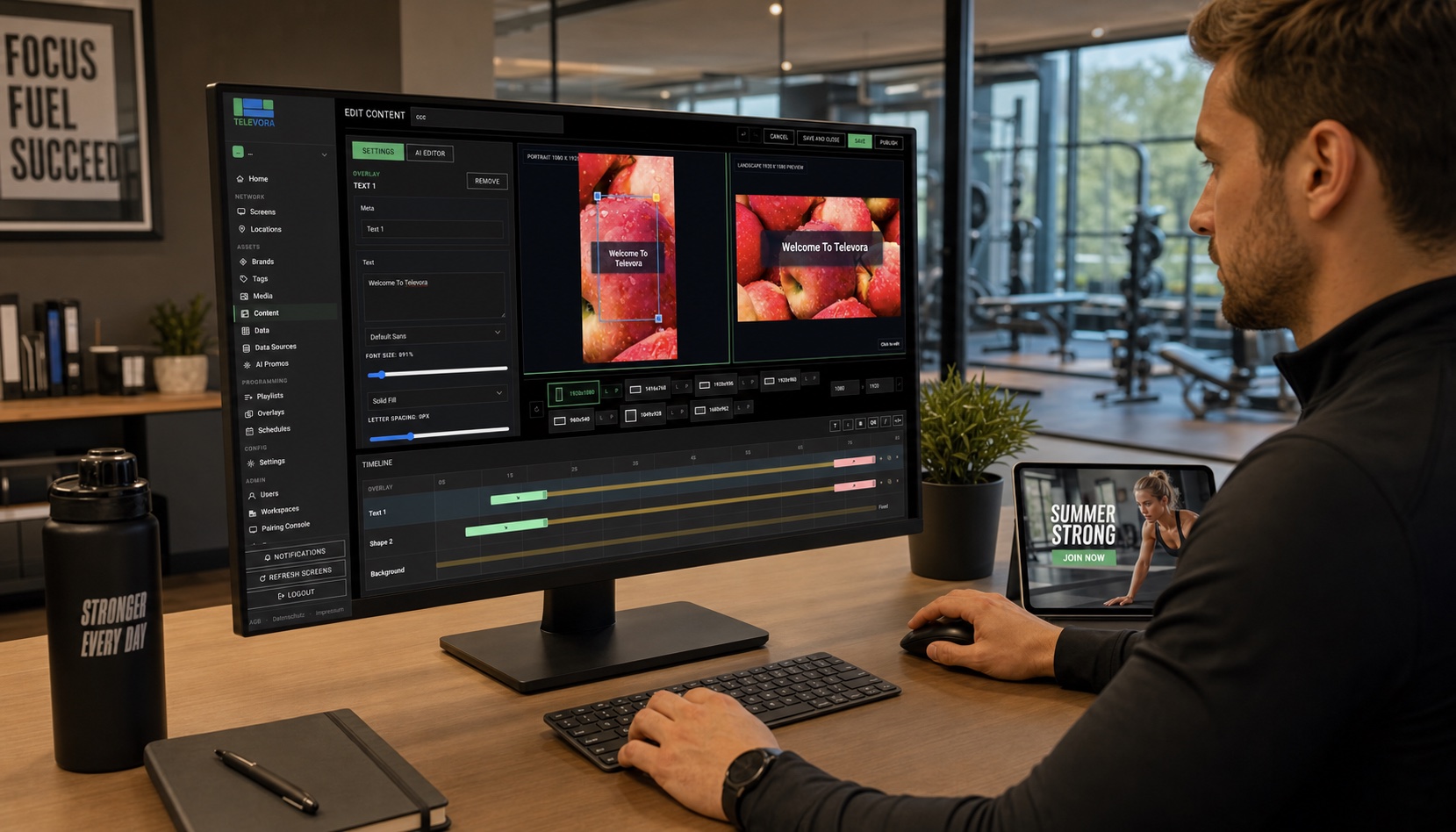
Build promotions, class announcements and training tips, then preview them for every format.
Every screen gets the right content for its location, zone and time, with central monitoring.
For gyms, Pilates and Reformer studios
Head office controls campaigns and brand standards. Local teams can add class changes and location-specific notices without breaking the overall experience.
Show us your locations and screen zones. We will help you shape a practical pilot rollout.