Dashboard view
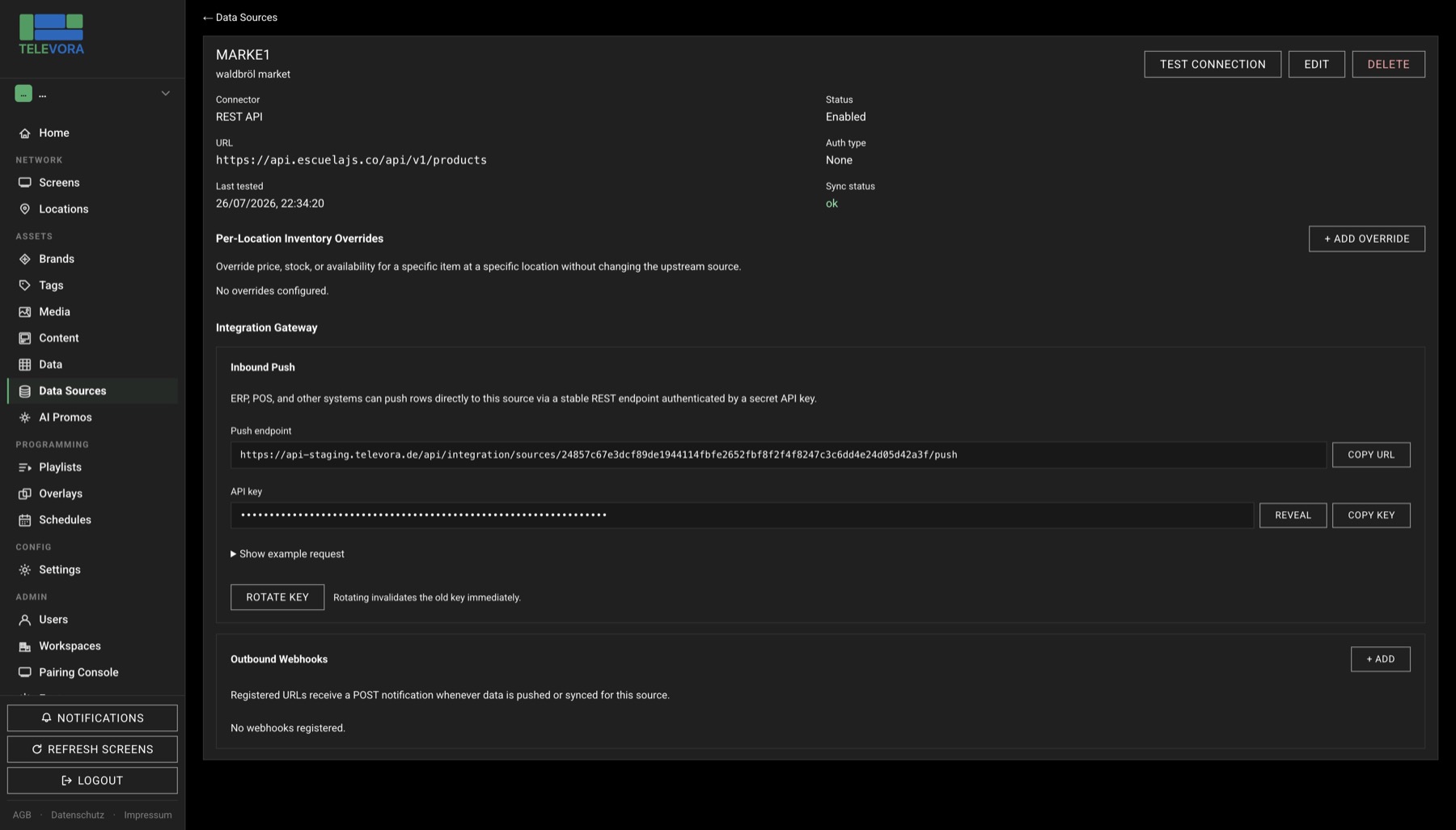
Data-driven templates
Connect price lists, menus, product feeds or branch data from APIs, CSV or Excel. Content updates from source data instead of manual edits.
First month free: up to 5 screens, 20 assets and 200 MB storage.
The product
Televora combines AI-assisted template design, playlist building, scheduling, playback and monitoring in one interface. External CSV, Excel and API data can update screen content dynamically.
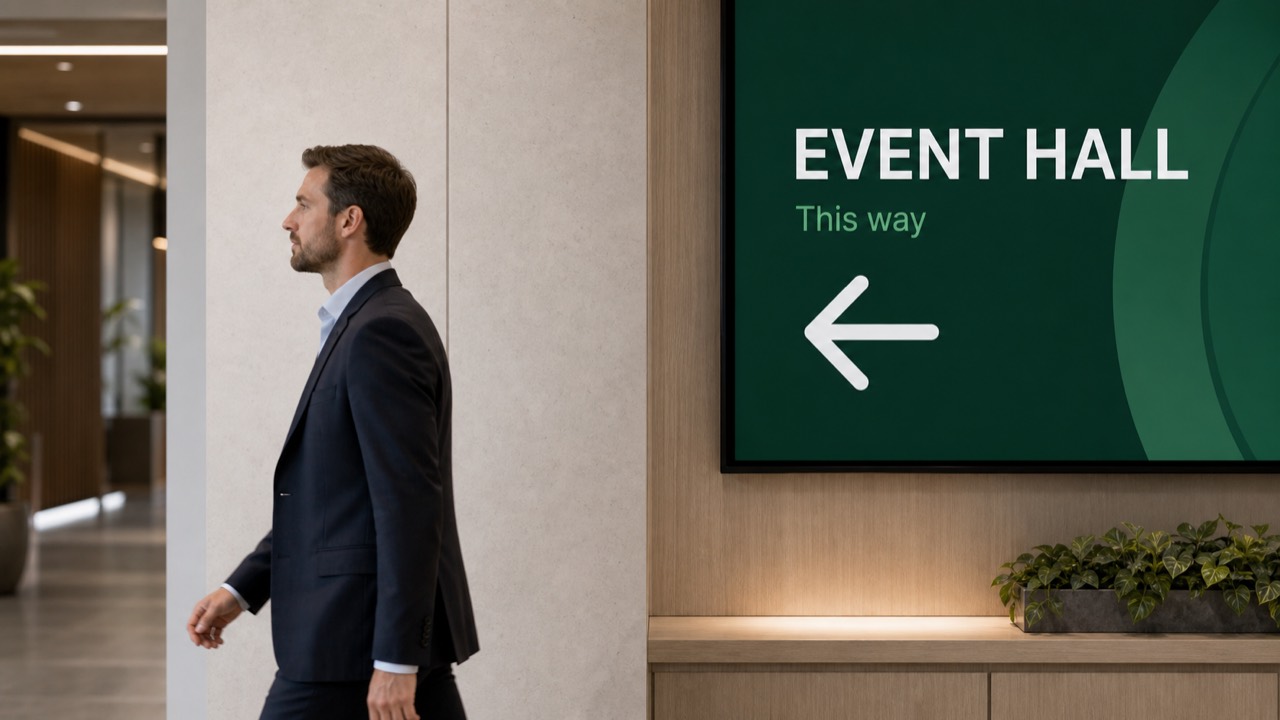
Design campaigns, fallback promos and first-draft templates directly inside the product. Use your own tenant keys or local Ollama in sensitive environments.
Price lists, menus and campaigns powered by CSV, Excel or API data. Changes in the source reach the screen automatically.
Multiple workspaces, invite flows and clear isolation. Built for resellers, agencies and franchise headquarters.
The player keeps working when the gateway is down. That matters for business-critical screens in branches and waiting areas.
Fast pairing, screen monitoring and multi-location logic for operational rollouts in branch networks and agency setups.
Features
A look inside the real Televora interface, from content creation and scheduling to screen monitoring and multi-location operations.
Connect price lists, menus, product feeds or branch data from APIs, CSV or Excel. Content updates from source data instead of manual edits.
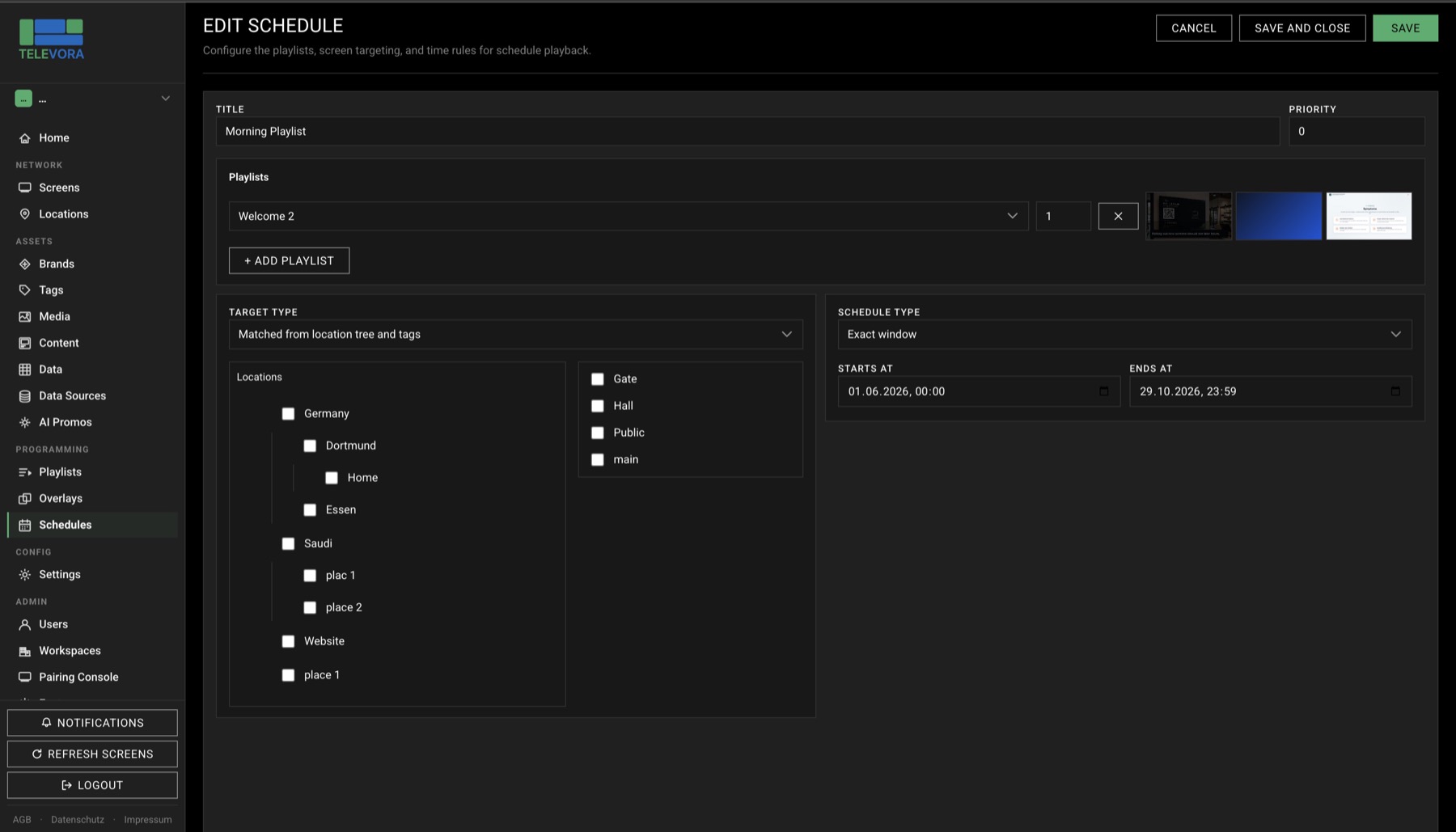
Schedule content by time, weekday or date and control playback centrally across multiple branches.
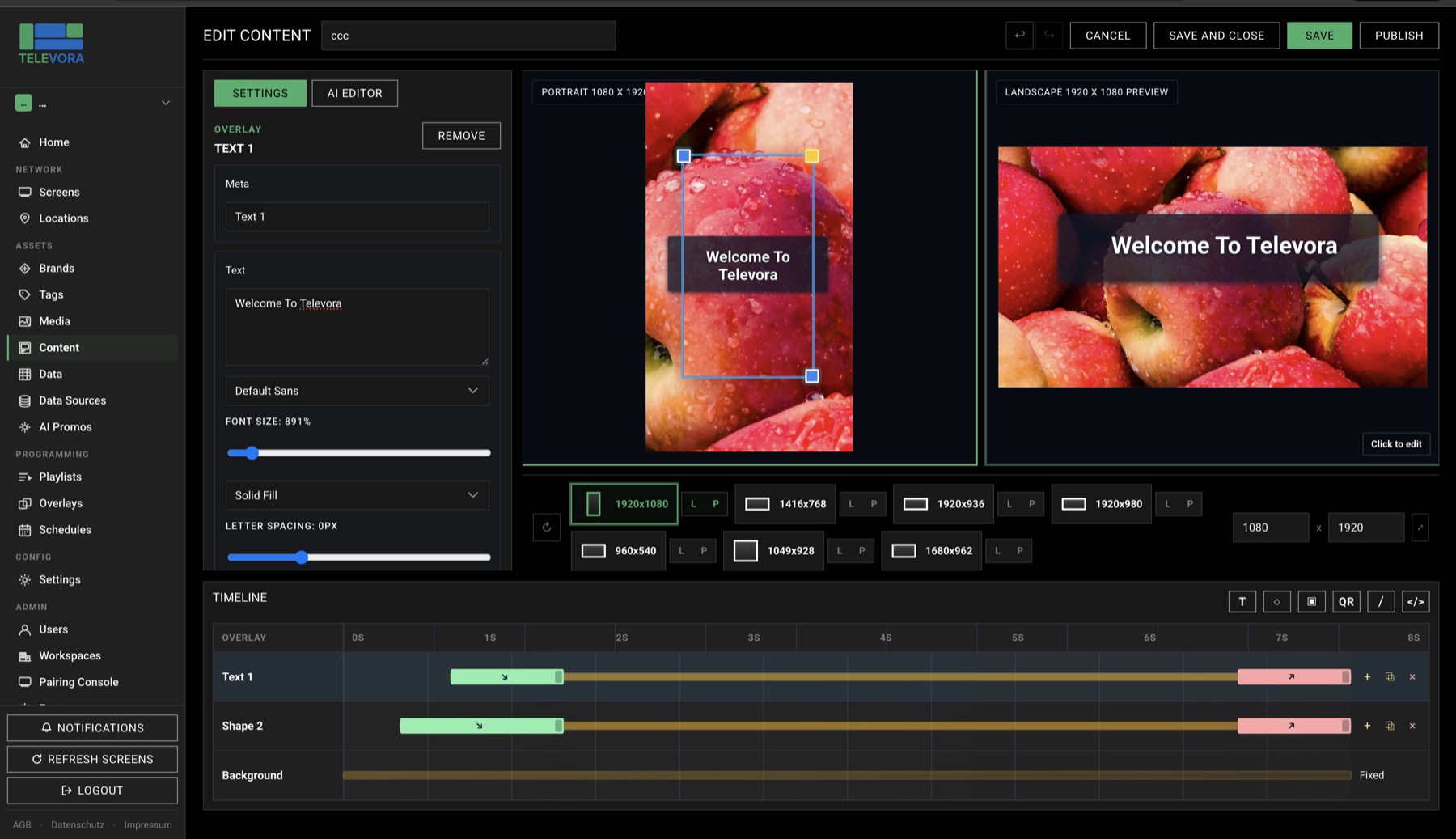
Build content with layers, animation, transitions, typography and media directly in the browser. Suitable for simple promos up to brand-safe layouts.
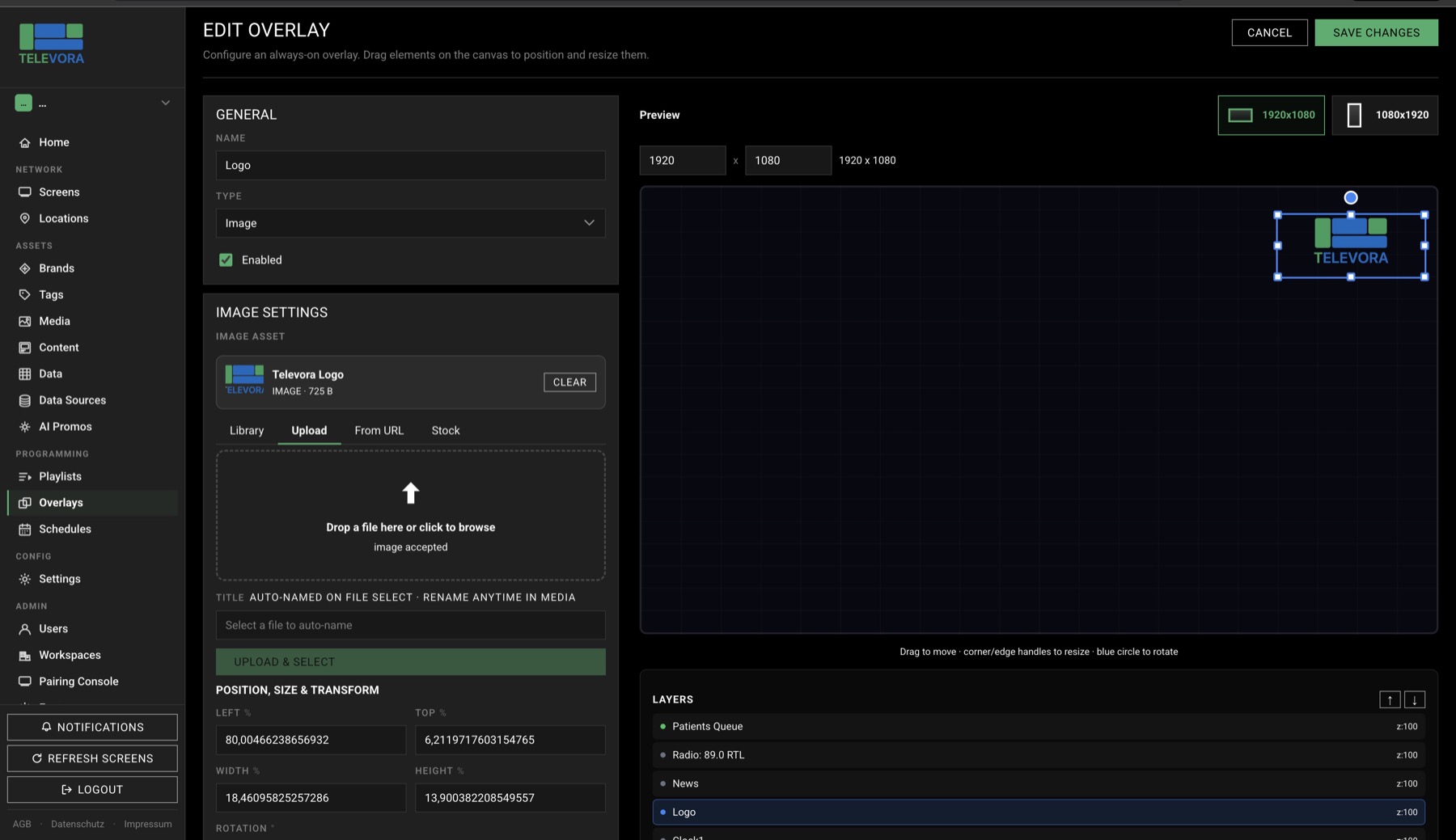
Use tickers, clocks, QR codes, logos, text and media overlays with drag, resize, rotate, layer ordering and per-element in/out animations.
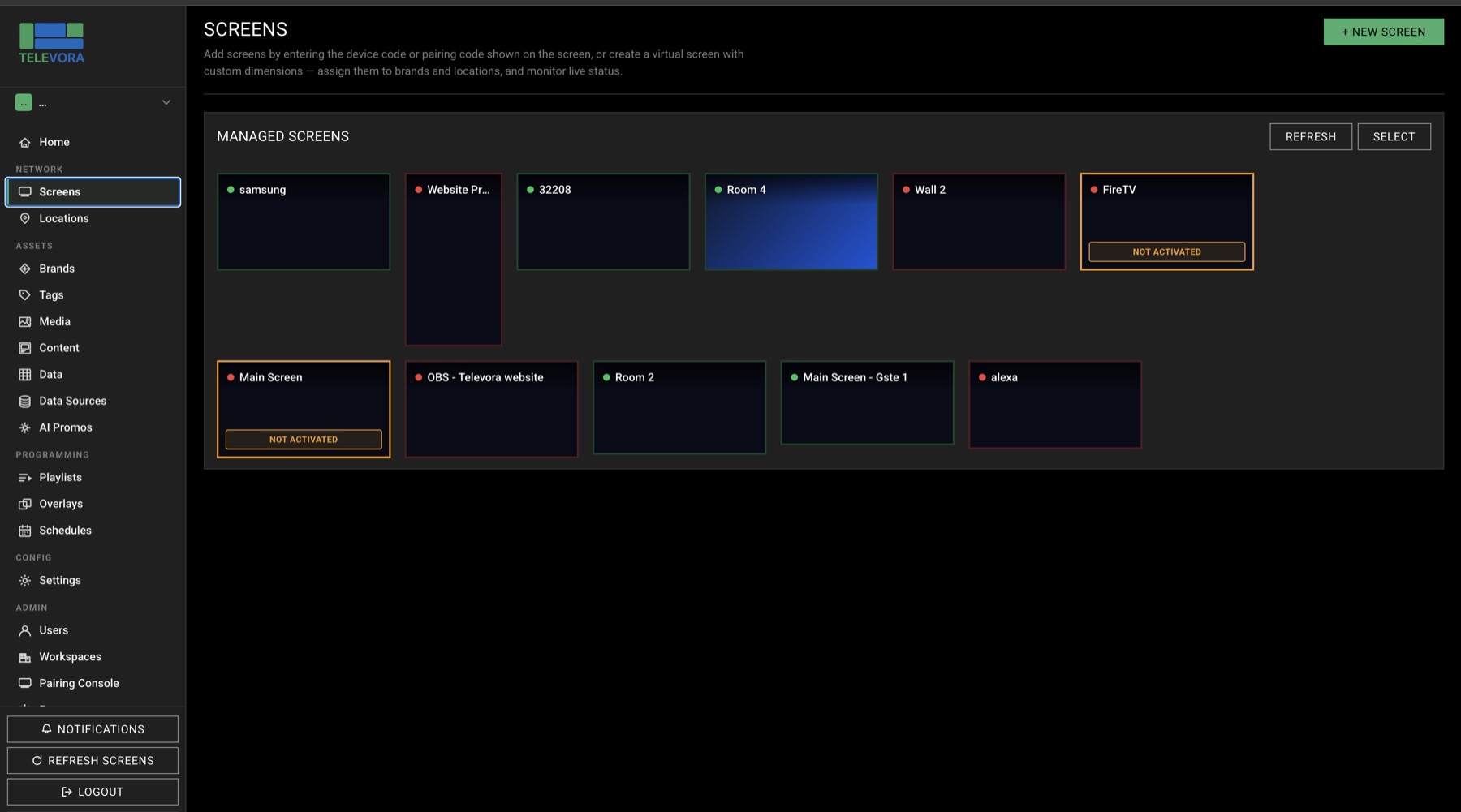
Manage screens, content and approvals across locations from one interface. Live status and instant refresh help in daily operations.
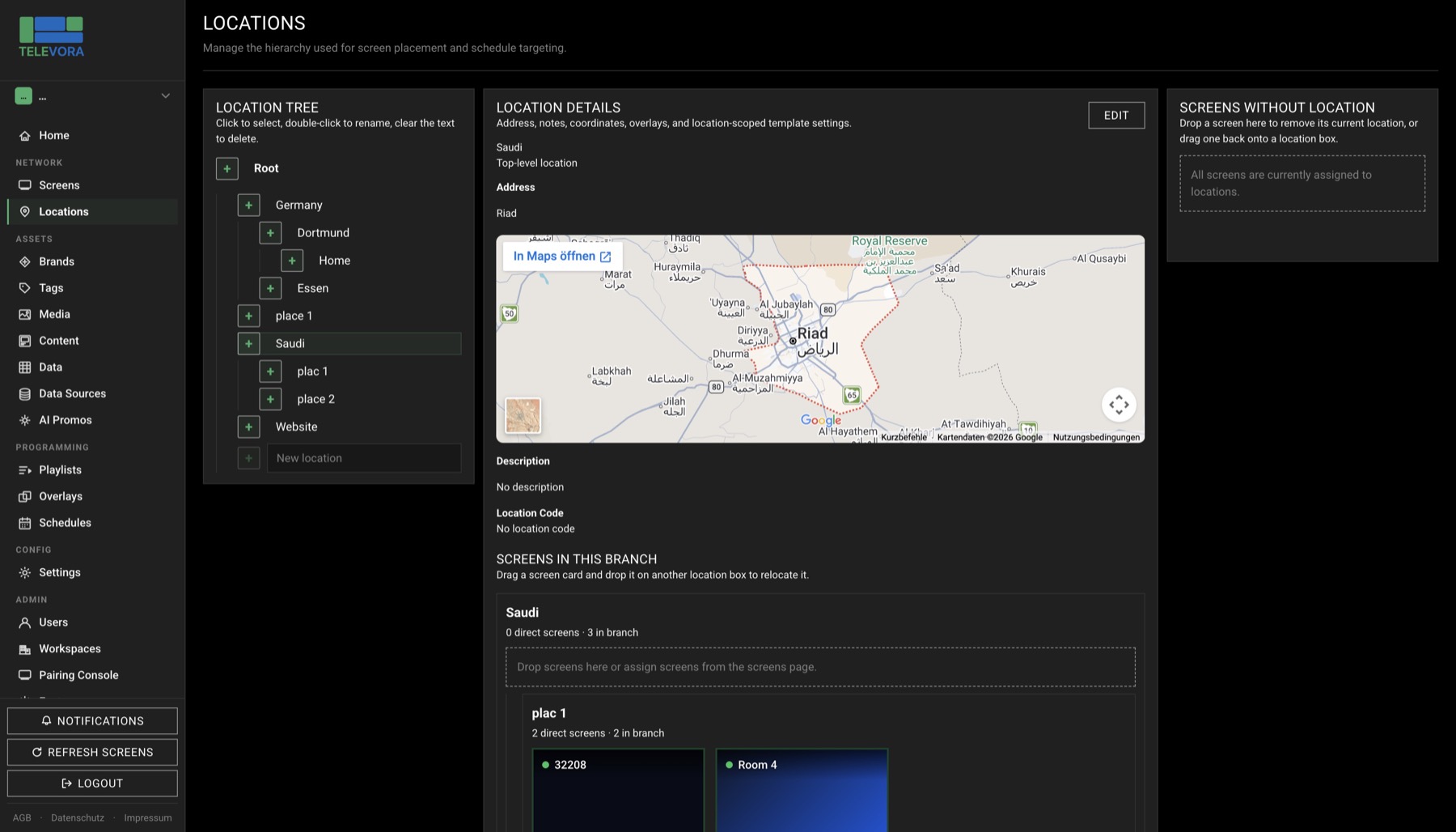
Model regions, cities, branches and zones cleanly. Central rules can be inherited downward in a controlled way.
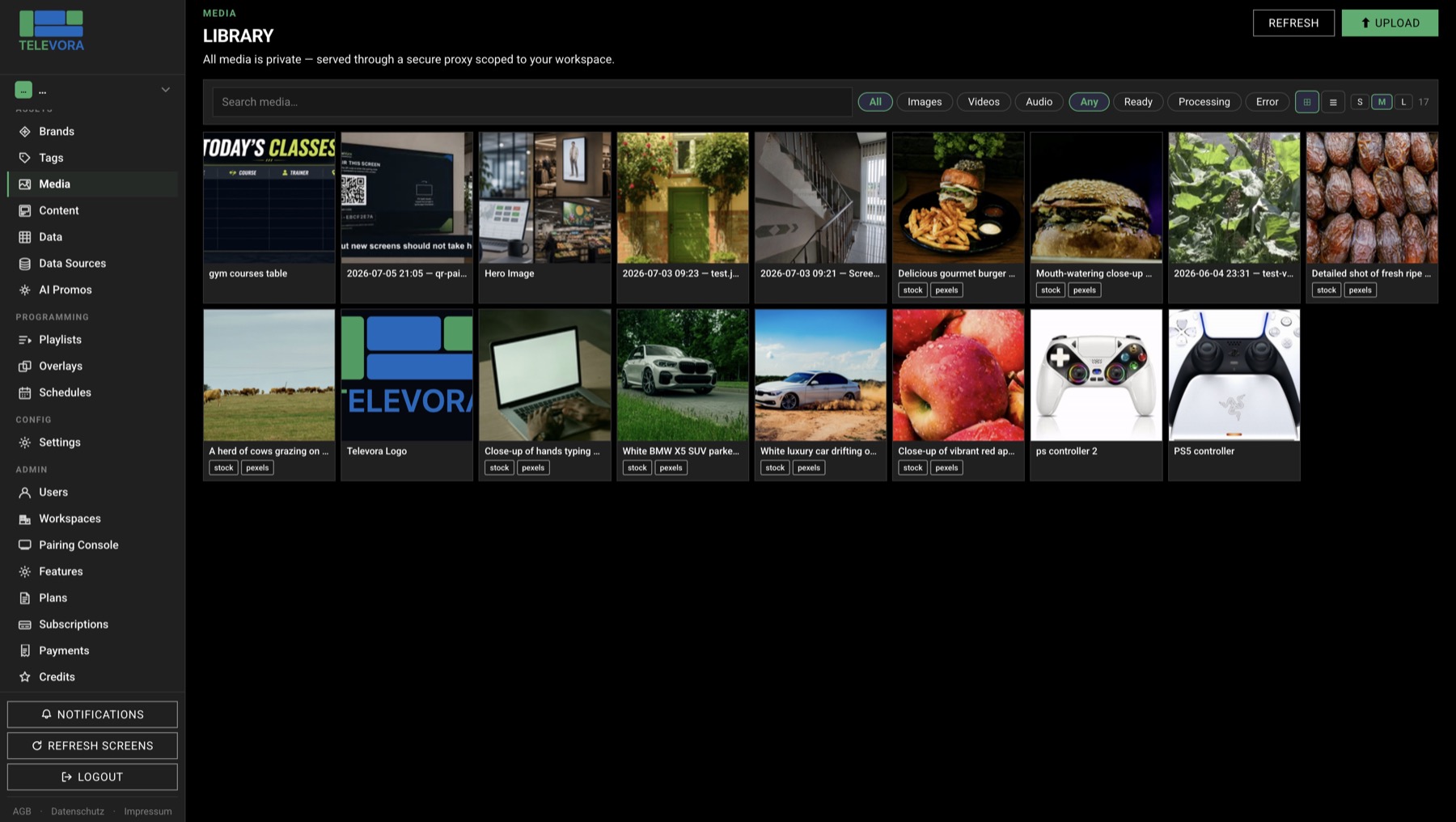
Manage images, videos and audio files centrally. Automatic transcoding and metadata processing keep playback reliable on every device.
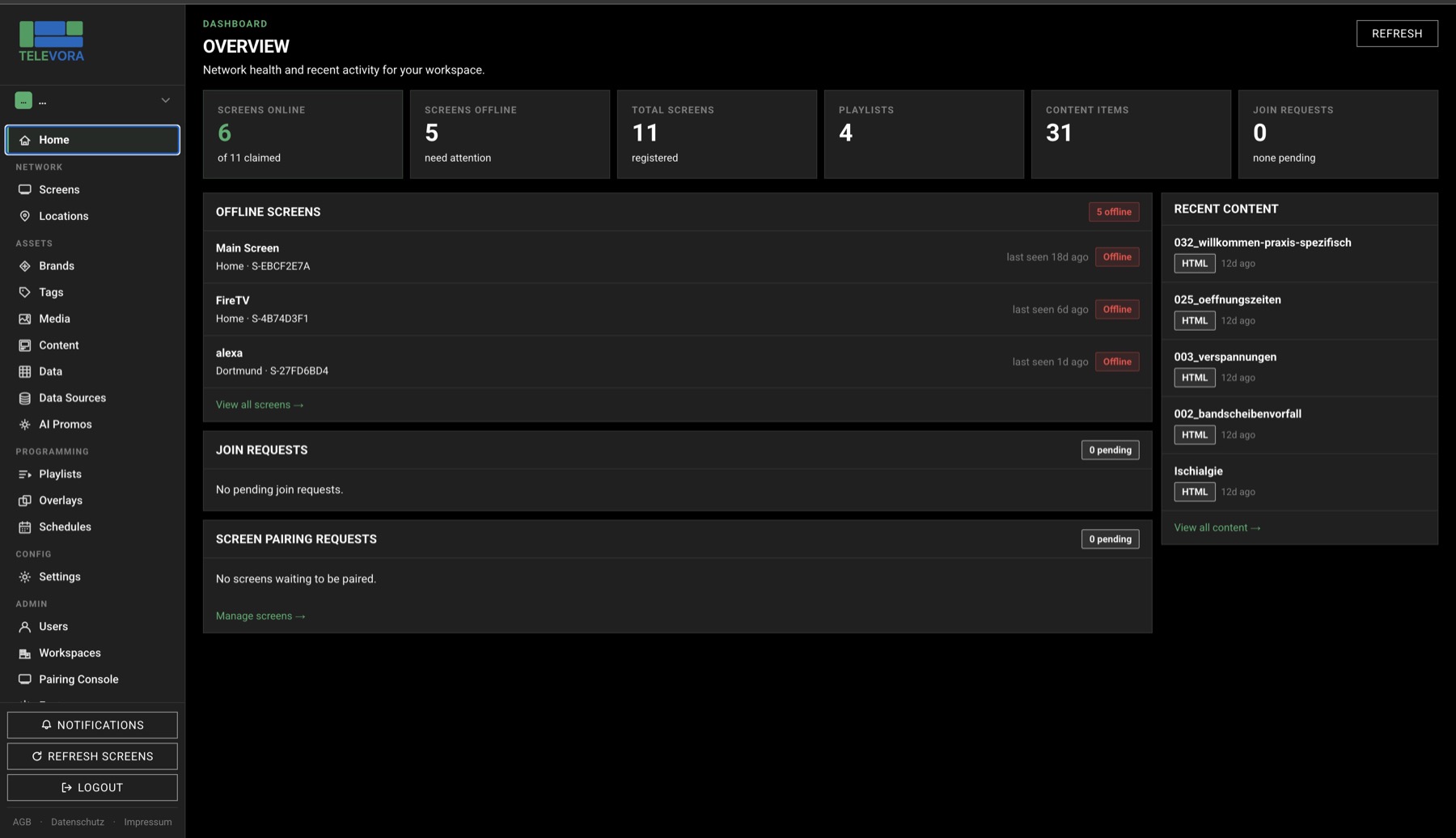
Heartbeat, online/offline status and fleet visibility support rollout and ongoing operations across many screens.
Create promo slides, campaigns and fallback content directly inside the workflow. Built for teams that want to prepare content faster and roll it out across locations.
Create playlists with custom durations and transitions per item. Combine images, video and recurring playback flows in a reliable operating model.
Branch managers and operators control screens from their phones: QR onboarding, status checks, manual refresh and media uploads.
Televora is built multi-tenant from the ground up. Ideal for resellers, franchise headquarters and teams with isolated workspaces and invite flows.
Use external image sources, Canva designs and existing business systems. That makes Televora part of your content and operating workflow.
Headquarters manages the network while branches work within their scope. Useful for franchise setups and decentralized teams.
Screens stay active even without connectivity. The player continues with local cache and fallback logic instead of going black.
How it works
From the first screen to a multi-location rollout without changing tools.
Pair screens with QR code or token. New devices join the workspace quickly and are assigned to a branch immediately.
Build content in the editor, start with AI or connect APIs, CSV and Excel data for data-driven screens.
Schedule centrally, roll out across branches and keep online/offline status in view.
Televora Player for Android
Install Televora Player from Google Play or Amazon Appstore on a compatible Android or Fire TV device and connect your display to your Televora workspace in just a few steps.
Televora Player is production-ready and can be installed directly from Google Play or Amazon Appstore. To create, schedule and manage content for your screens, you also need a Televora Manager account. We currently set up Manager access on request through the contact form or by email.
Open Google Play or Amazon Appstore on your compatible device and install the production-ready Televora Player.
Contact us so we can create your Televora Manager access for managing content and screens.
Launch the app and use its pairing code to connect the display to your Televora workspace.
Use cases
Televora brings class schedules, offers, training content and patient information reliably to every screen.
Present exercises, patient information, additional services and appointments professionally in waiting and training areas.
Keep class schedules, offers, trainer content and member updates current across every screen from one place.
Present timetables, Reformer introductions, instructor profiles and membership offers with a calm, premium look.
Try Televora for your gym, Pilates studio or physiotherapy practice free for the first month with no payment method required.