Technology1 min read
APIs and WebSockets: how Televora integrates with external systems
Televora connects external systems through clear API workflows and real-time updates. Here are the core technical building blocks.
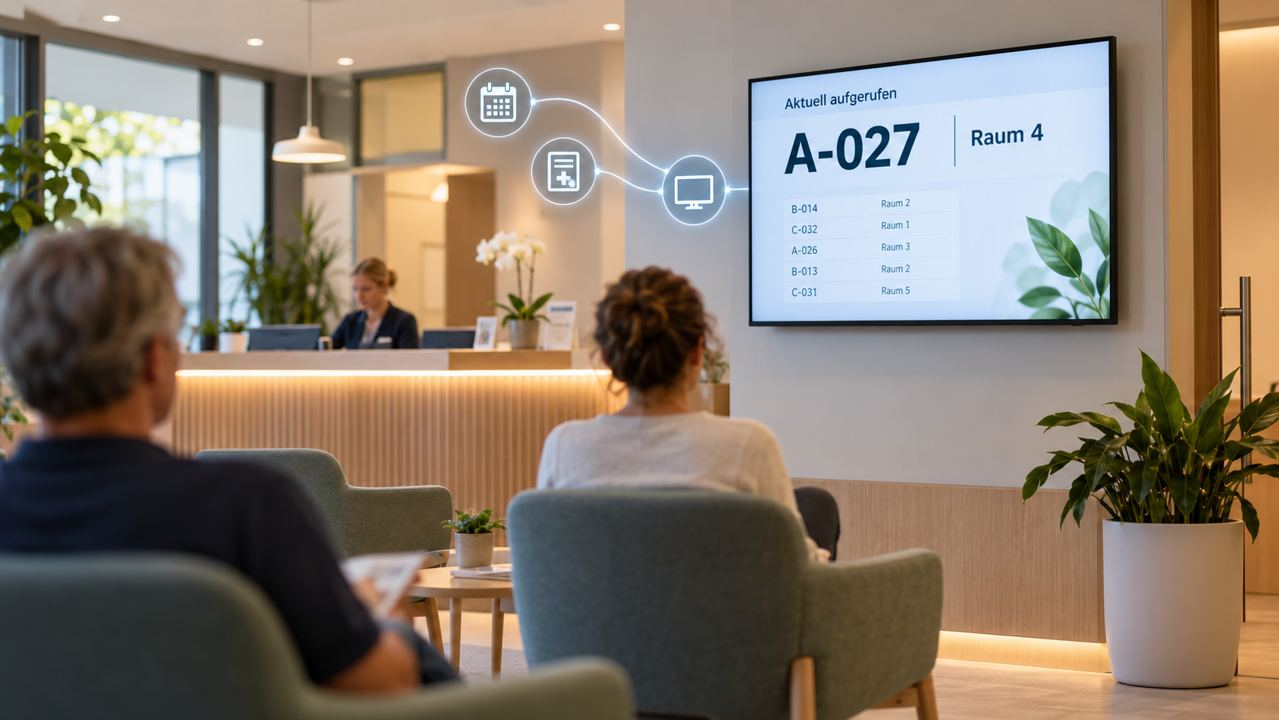
When digital signage works alongside other systems, it needs two things: a dependable interface for planned workflows and a fast channel for changes that must be visible immediately. Televora combines gateway APIs with Socket.IO-based real-time communication.
REST API as the dependable foundation
The gateway API brings together core workflows such as screen pairing, plan resolution, heartbeats and administrative actions. Clients can request the current approved state directly and recover after an interruption. This makes the HTTP interface the reliable source for integrations.
- Pair screens and assign them to a workspace or location.
- Resolve current playback plans and published content.
- Send player heartbeat and status information to the gateway.
- Perform administrative actions from dashboard or partner workflows.
WebSockets for live operations
For states that should not wait for the next polling interval, Televora uses Socket.IO. Players receive live commands such as refresh or screen removal, and report their current playback status. This lets the dashboard show screen status and changes promptly.
- Refresh screens immediately after a publication or change.
- Live player status, including the active content or connection state.
- Real-time updates for overlays and other approved screen data.
- Automatic reconnection: after reconnecting, the player reloads the valid state through the API.
Integration practice for external systems
In practice, an external system uses the API for traceable, repeatable actions and treats real-time events as an accelerator. If an event is missed, it does not guess; it reads the current state again through the API. Redis supports shared real-time state and pub/sub communication in the gateway.
The API is the source of the current state. WebSockets make changes visible immediately.
In short
This split keeps integrations robust: REST for controlled workflows and recovery, WebSockets for live operations. External applications, players and the dashboard can all work from the same approved screen state.
Televora for your studio or practice?
Try it free for the first month or book a personal demo.
More posts
Digital Signage4 min read
School Digital Signage Schedules: Update Daily Timetables and Urgent NoticesDigital Signage5 min read
Digital Signage Offline: How Televora Keeps Screens Running During an Internet Outage