Digital Signage7 min read
Digital Signage Software Compared: Televora vs Yodeck, OptiSigns & ScreenCloud
A fair 2026 comparison of digital signage platforms: find out where Televora stands out, where competitors have an edge, and how to choose for your screens.
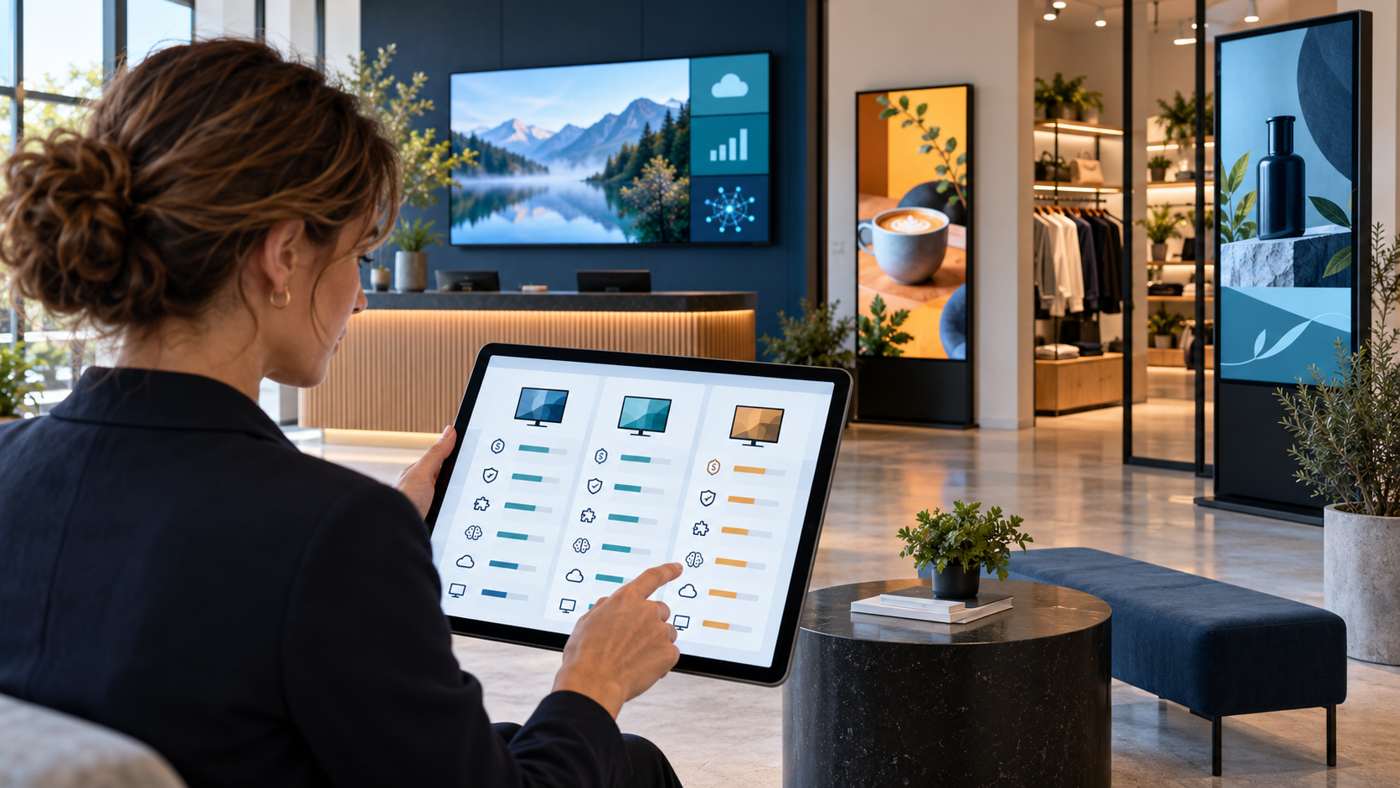
Which digital signage software fits your business?
Choosing digital signage software is about more than uploading a video. The right platform should fit your screens, content workflow, privacy needs, locations and budget. This comparison looks at Televora alongside Yodeck, OptiSigns and ScreenCloud using each provider’s public product and pricing information checked on 19 October 2026.
There is no universal winner. Televora is especially relevant for teams that want phone-based screen operations, data-led content and privacy-conscious AI options. Yodeck, OptiSigns and ScreenCloud each offer broad app ecosystems and established self-service plans. The best fit depends on which of those capabilities matter most in your day-to-day work.
Digital signage platforms at a glance
| Platform | Where it stands out | Consider it when |
|---|---|---|
| Televora | Mobile screen control, live data from CSV, Excel or APIs, tenant-owned AI access or local Ollama, offline caching, and isolated workspaces for locations or customers. | You manage practices, studios, hospitality or branch networks and want data updates and operational control in one workflow. |
| Yodeck | A free single-screen plan, broad app and template options, and advanced scheduling, Google Apps and its AI Agent/API on higher tiers. | You want a self-service start, a free screen, or a large catalogue of ready-made apps and integrations. |
| OptiSigns | Playlist scheduling, 100+ apps and integrations, templates and feeds on its Standard plan, plus a limited free plan. | Your priority is choosing from many ready-to-use apps and templates or testing basic signage on a few screens. |
| ScreenCloud | 80+ apps and integrations, templates and Quick Post on Core; dashboards, QR metrics and premium integrations on Pro; enterprise onboarding options. | You need a broad content app library, analytics and enterprise-oriented support options. |
What makes Televora different?
Televora’s public product pages describe a platform focused on practices, studios, hospitality, retail branches, agencies and franchise networks. Its value is not simply “more apps.” It is the connection between screen operations, changing data and privacy-conscious workflows.
- Update data without rebuilding each layout. Televora describes live updates from CSV, Excel or APIs for prices, menus and campaigns. That can reduce repeated manual edits when the source data changes.
- Choose how AI is accessed. The product page describes tenant-owned AI access or local Ollama for privacy-sensitive environments. Check the available setup for your account before relying on a particular model or workflow.
- Manage screens while away from the desk. QR pairing, screen status checks and mobile content updates are highlighted as part of Televora’s operating workflow.
- Keep approved content available through connectivity drops. Televora describes local caching and fallback logic for playback when a connection is unavailable.
- Separate customers, brands and locations. Its multi-tenant structure is designed for agencies, resellers and franchise headquarters managing separate workspaces.
These strengths make Televora worth evaluating when content must stay current across several locations, especially for teams that depend on changing prices, class schedules, menus or operational information. If your main requirement is the largest ready-made app marketplace, compare each provider’s current app list and plan limits directly.
How the main competitors compare
Televora vs Yodeck
Yodeck offers a permanent free licence for one screen. Its Basic plan is listed at €8 per screen per month when billed annually, and its annual plan includes a Yodeck Player. Higher tiers add Google Apps, advanced media scheduling, tag-based playlists, an AI Agent and API access. That makes Yodeck a strong option for a low-risk single-screen start and for teams that value an established catalogue of apps.
Televora’s public pricing is structured differently: the first month is free for up to five screens, then the first screen is €9.99 per month and each additional screen is €3.99 per month, with monthly cancellation. For five screens, that is €25.95 per month after the free month, before VAT. Yodeck’s published Basic price for five screens is €40 per month on annual billing. This is a useful licence-price comparison, not a like-for-like hardware quote: Yodeck includes a player on annual plans, while device requirements and software features differ.
Televora vs OptiSigns
OptiSigns highlights 100+ apps and integrations, ready-to-use templates, feeds, playlist creation and scheduling. Its public Standard pricing page lists €8.50 per screen per month on monthly billing or €7.50 on annual billing. Its free plan supports up to three screens, with limits such as OptiSigns branding and 1 GB of storage.
For five screens, OptiSigns Standard at the listed annual rate totals €37.50 per month. Televora’s published five-screen price after its first free month totals €25.95 per month before VAT. Compare the exact feature tier, billing term, storage, player hardware and any optional services before choosing. OptiSigns may suit a team that wants a broad catalogue of ready-made apps; Televora may suit one that prioritises mobile operations, live data and multi-location workflows.
Televora vs ScreenCloud
ScreenCloud’s Core plan lists 80+ apps and integrations, unlimited file storage, templates and Quick Post. Pro adds premium apps, dashboards and QR code metrics; Enterprise offers additional onboarding and support options. Its pricing page displays per-screen plans with regional currency and billing choices, so check the current configuration for your country.
ScreenCloud can be a good fit when a large app library, dashboards, remote device management or enterprise user controls are central requirements. Televora’s public product positioning puts more emphasis on AI access choices, data updates from CSV/Excel/API, phone-based operations and multi-tenant branch workflows.
Pricing snapshot: compare the full setup
Public prices checked on 19 October 2026. Prices, currencies, billing terms and plan features can change. These figures are starting points rather than equivalent feature bundles; hardware and VAT treatment differ.
| Platform | Public pricing detail | What to check |
|---|---|---|
| Televora | First month free for up to five screens; then €9.99 for the first screen plus €3.99 for each additional screen per month. Five-screen example: €25.95/month before VAT. | Compatible player/device, storage and enterprise requirements. |
| Yodeck | One free screen; Basic is listed at €8/screen/month on annual billing. Annual Basic includes a Yodeck Player. | Annual commitment and the value of included player hardware. |
| OptiSigns | Standard is listed at €8.50/screen/month monthly or €7.50 annually. Free tier supports up to three screens with limits. | Branding, storage and which apps are included in your selected tier. |
| ScreenCloud | Core and Pro are listed per screen, with enterprise pricing by request; the page offers currency and billing choices. | Local currency, VAT, billing period, device options and enterprise features. |
Which platform should you choose?
- Choose Televora for evaluation if mobile screen operations, data-driven updates, privacy-conscious AI, offline fallback or separate workspaces for locations and customers are important to you.
- Choose Yodeck for evaluation if you want a permanent free screen, an annual plan with a player, or advanced scheduling and app options in its higher tiers.
- Choose OptiSigns for evaluation if a broad selection of ready-made apps, feeds and templates is the main priority.
- Choose ScreenCloud for evaluation if enterprise integrations, dashboards, remote device management and onboarding matter most.
Before committing, test the software on your actual screen hardware. Build one representative playlist, connect the content sources you rely on, confirm how updates are approved, check offline behaviour and calculate the total cost for your real screen count.
Frequently asked questions
Is Televora cheaper than Yodeck or OptiSigns?
For the five-screen example on the public pricing pages checked on 19 October 2026, Televora lists €25.95 per month after its free first month, before VAT. Yodeck Basic works out to €40 per month on annual billing and OptiSigns Standard to €37.50 per month on annual billing. This compares published licence prices only: player hardware, feature tiers, billing commitments and storage differ.
Does Televora support AI and live data?
Televora’s official product page describes tenant-owned AI access or local Ollama, and data updates from CSV, Excel or APIs. Confirm the exact connectors and setup available for your workspace.
Which digital signage software is best for multiple locations?
It depends on how you manage content and devices. Compare location permissions, screen grouping, local content workflows, offline playback, rollout support and total cost—not just the number of templates or apps.
Compare with your own screens
Televora offers a free first month for up to five screens, with no payment method required at registration according to its pricing page. Review Televora’s current pricing, confirm device compatibility and test your own workflow before making a decision.
Televora for your studio or practice?
Try it free for the first month or book a personal demo.
More posts
Technology1 min read
APIs and WebSockets: how Televora integrates with external systemsDigital Signage4 min read
School Digital Signage Schedules: Update Daily Timetables and Urgent Notices