AI & Integrations3 min read
AI-Powered Digital Signage: Update Your Screens Using ChatGPT and Google Sheets
Learn how AI chat can connect Google Sheets with Televora to keep digital signage schedules, prices and announcements up to date.
Updated on
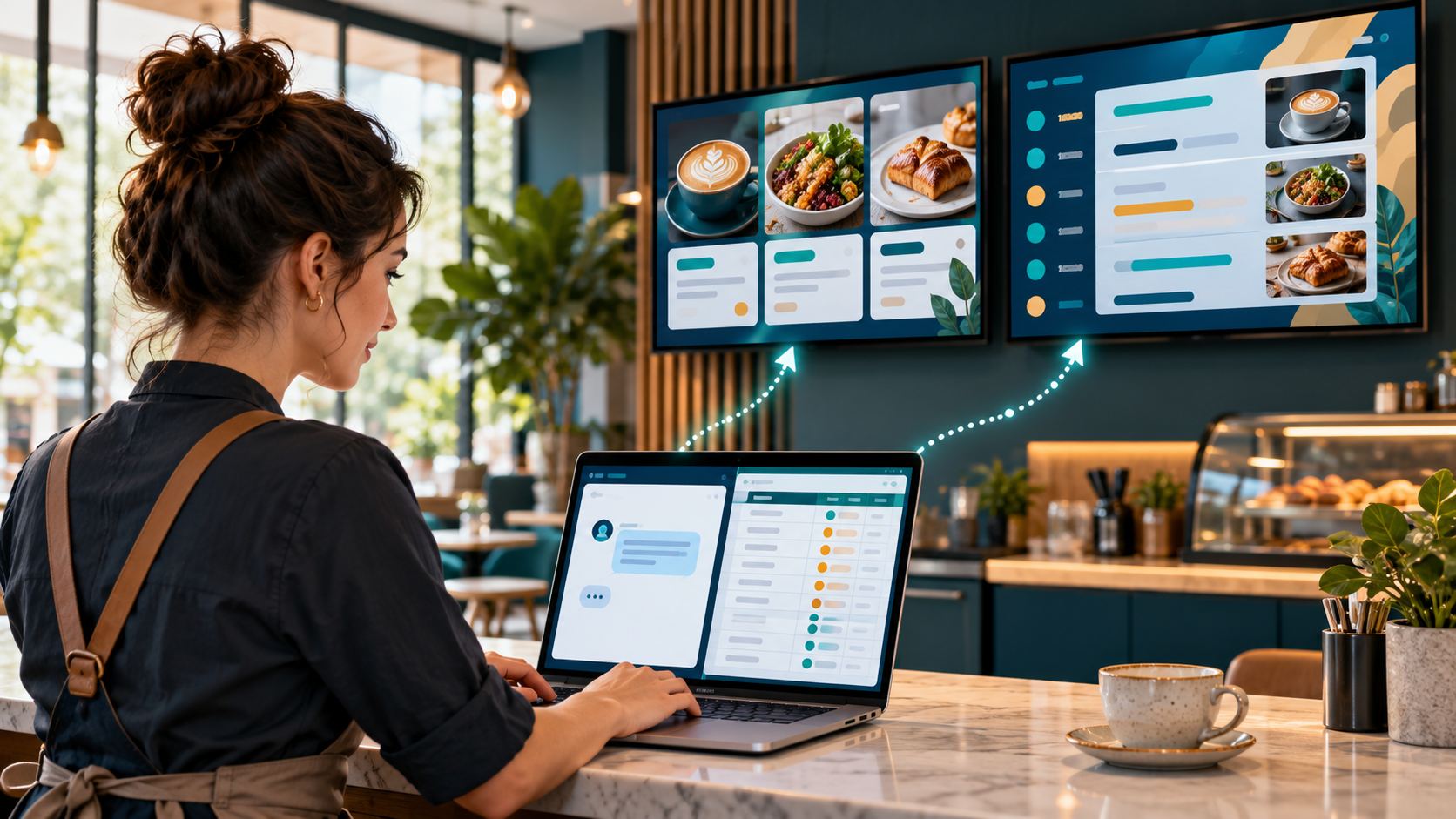
What if updating your digital signage was as simple as sending a message? With Televora's Model Context Protocol (MCP) integration, compatible AI assistants can work with connected services such as Google Sheets and help keep information on your screens current.
From spreadsheets to screens with AI chat
Businesses already maintain schedules, prices and announcements in spreadsheets. Instead of copying that information into a separate signage dashboard, a manager can ask an AI assistant connected to both Google Sheets and Televora to retrieve the latest rows and update the appropriate signage content.
For example, a fitness studio manager might say: “Read this week's classes from Google Sheets, update the training timetable in Televora and check the content is ready for the studio screens.”
With the appropriate permissions and connectors, the assistant can coordinate the supported steps, helping reduce repetitive data entry.
What is MCP?
Model Context Protocol (MCP) is an open standard for connecting AI applications with external tools and information sources. Televora exposes supported digital signage operations through its MCP gateway, allowing compatible AI assistants to interact with signage content and data using authorized tools.
This can include reading content information, updating structured data, checking schedules and managing supported screen workflows. The actions available depend on the connected account's permissions and the capabilities exposed by each connector.
Example: a fitness studio schedule
Imagine a studio maintaining the following timetable in Google Sheets:
| Day | Class | Time | Trainer |
|---|---|---|---|
| Monday | Yoga | 09:00 | Sarah |
| Tuesday | HIIT | 17:00 | Alex |
| Wednesday | Pilates | 18:30 | Emma |
| Thursday | Spinning | 19:00 | Daniel |
Illustrative sample data.
The workflow is straightforward:
- Maintain the source timetable in Google Sheets.
- Ask an AI assistant with access to the Google Sheets and Televora connectors to retrieve the relevant rows.
- Review the proposed changes, where appropriate, and authorize the signage update.
- Use Televora's supported data-management tools to update the screen content.
- Verify that the updated content is ready and reaches the intended screens.
When the timetable changes, the manager can request another update instead of manually copying every entry. This is a connector-assisted workflow, not a claim that every spreadsheet change automatically triggers a screen update.
One assistant, multiple connected tools
Google Sheets is only one possible data source. A compatible AI assistant can coordinate different tools within the permissions granted to it:
- Google Sheets and Televora: transfer structured schedules, menus, prices and announcements into signage data.
- Canva and Televora: prepare promotional creative assets with a connected design tool, then use supported signage workflows to review and incorporate them.
- Research tools and Televora: prepare verified information for announcements and news content, with appropriate source attribution and usage rights.
- AI chat and Televora: inspect existing content, manage supported updates and check operational information through conversational requests.
Where can businesses use this?
Fitness studios
Keep training programs, trainer information and membership promotions aligned with business data.
Restaurants and coffee shops
Update daily specials, menu information and limited-time offers without re-entering the same data across tools.
Retail stores
Coordinate product announcements and promotional messages across connected displays.
Offices and reception areas
Maintain visitor announcements, schedules and general information through familiar data sources.
Conversational control with appropriate safeguards
AI-powered workflows should not mean unrestricted access. Televora's MCP tools operate within defined permissions, and some actions may require approval. Data updates can be validated before they affect screen content. Businesses should review important information, especially prices, dates and public announcements, before publication.
The future of digital signage is conversational
Digital signage is moving beyond static presentations and repetitive dashboard editing. By combining an AI assistant, business tools such as Google Sheets, and Televora's MCP gateway, teams can manage information through a simpler workflow: describe what the screens should show, connect the relevant data, and review the result.
Explore Televora's MCP integration or visit Televora to learn more.
Televora for your studio or practice?
Try it free for the first month or book a personal demo.
More posts
Technology1 min read
APIs and WebSockets: how Televora integrates with external systemsDigital Signage4 min read
School Digital Signage Schedules: Update Daily Timetables and Urgent Notices